

Intel recently abandoned 4K Blu-ray playback for its newer CPUs, and the news sadly came as little surprise. Security issues have long plagued the company’s SGX technology, and relatively few people watch physical media on a computer. AMD’s Ryzen CPUs never even supported 4K discs.
But people who regularly pop 4K Blu-ray discs into a 11th- or 12th-generation Intel PC don’t have to accept the downscale to 1080p. You can continuing getting that experience with the help of a free (for now) program called MakeMKV, which allows you to rip a copy of movies and TV show episodes as a single MKV file. For most people, this file format offers a similar experience as direct playback from a UHD disc, since it preserves chapters, subtitle tracks, and multiple audio tracks. And despite its reduced file size compared to the original disc, you’ll see far less sacrifice of picture and audio quality than with a 4K stream.
Disclaimer: Copyright laws vary worldwide, and in some countries, circumventing DRM is illegal—even for the purpose of making a personal backup of a disc. Read up on the laws in your area about before firing up Blu-ray/DVD ripping software for personal use. And obviously, don’t use such software to share content or rip discs you don’t own.
To get started, you’ll need a compatible Blu-ray drive and the MakeMKV software. Some existing 4K UHD drives can have its firmware flashed to allow ripping—otherwise, you’ll have to buy a standard Blu-ray drive to enable reading of 4K discs. The MakeMKV forum thread on UHD Drives gives more details on recommended Blu-Ray drives and instructions on how to flash their firmware. If you don’t see your drive listed, you’ll have to do some online searching to figure out its capabilities and compatibility with MakeMKV.
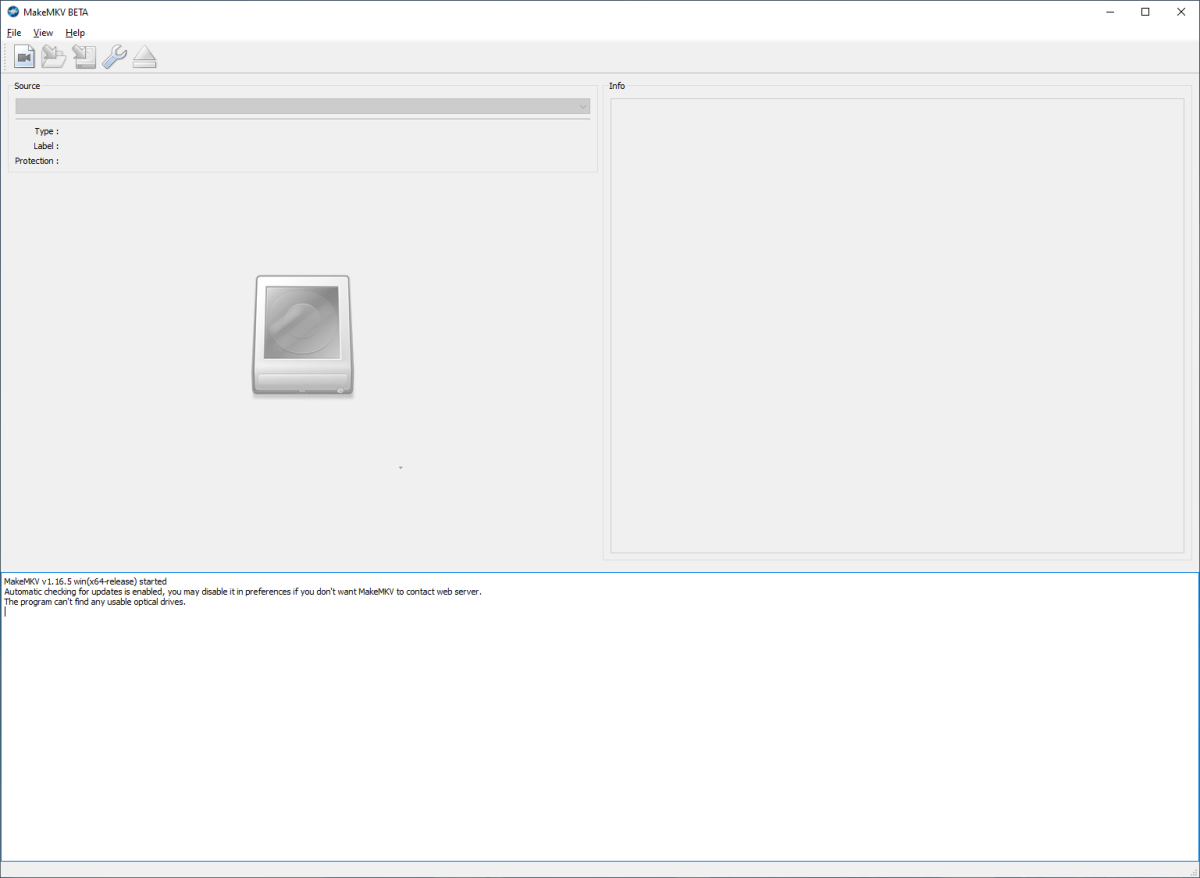
Once your Blu-ray drive is set to go, download MakeMKV, install it on your PC, and then activate it using the most current license key. You may also want to go into the settings to change the output folder. After that, ripping is just a matter of popping in a disc, waiting for MakeMKV to read the files, and then choosing which segments to export to MKV. You can ditch elements like extra language tracks or the trailers for a smaller file size.
PCWorld
And you do want to pay attention to file size—even though MKV files shrink the disc files by about 40 percent, UHD discs can hold as much as 100GB of data. A modest 4K UHD Blu-ray collection can eat space on a storage drive very quickly; you may want to invest in high-capacity hard-disk drives (think 8TB or more) if you’re a big movie and TV buff. An alternative solution is to use a program like Handbrake to encode the files with higher compression, if you can tolerate the downgrade in visual quality.
But outside of these concerns, there’s little more to the process. The main pain point is flashing the firmware on the Blu-ray drive. You will have to re-enter a current license key for MakeMKV, but if you use the program often, we highly recommend supporting the developer by purchasing the one-time $60 license. It’s a minor price to pay for an escape from the long-torturous history of DRM on the PC.

