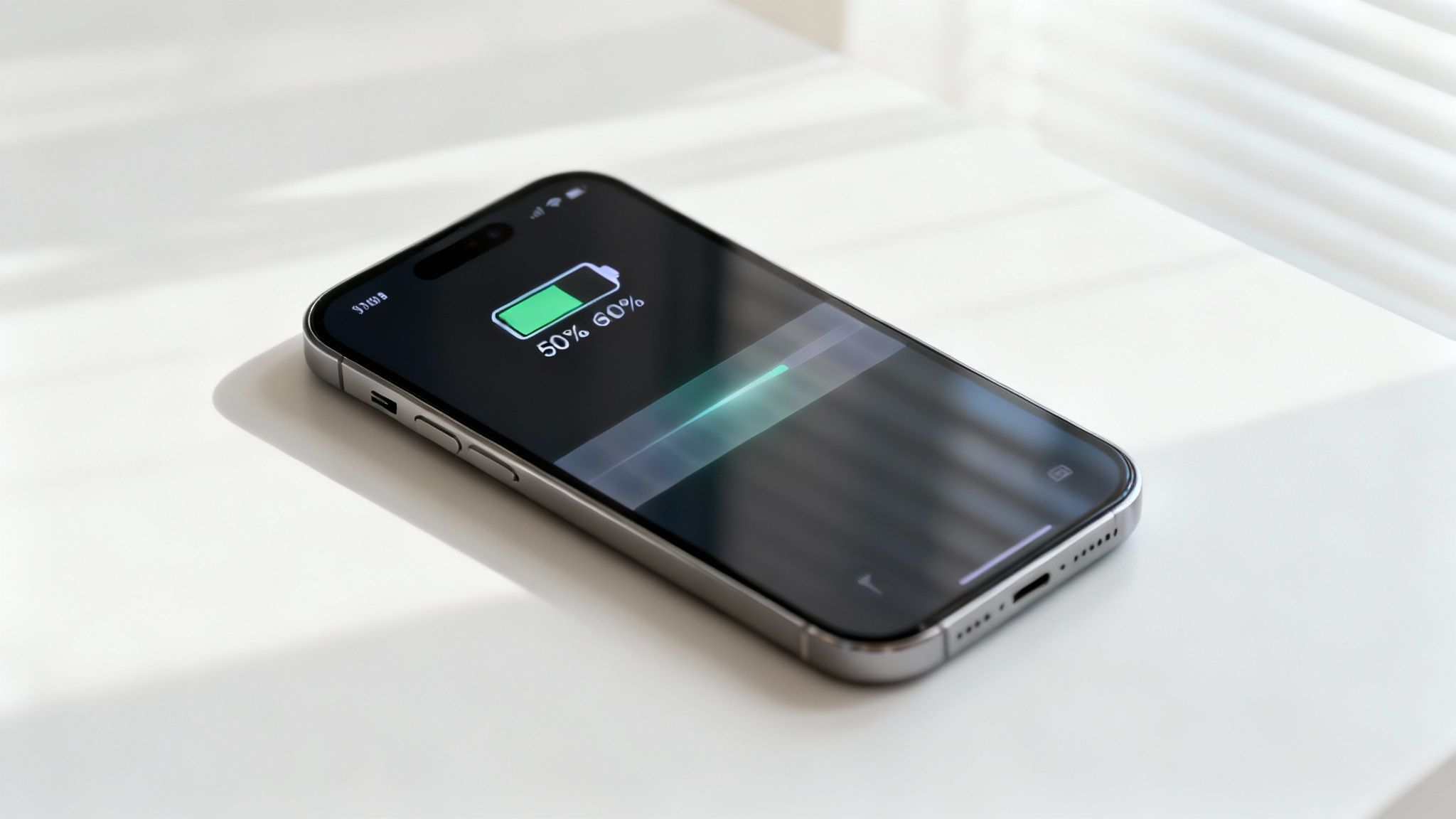
A fast-draining iPhone does not always mean the battery is “dead”. We see plenty of phones that feel unreliable for a week or two, then settle down after a settings tweak or an iOS update finishes its background housekeeping. If you’re weighing up iPhone Repairs Sydney options, work through this checklist first. It helps you separate genuine battery wear from the usual suspects like rogue apps, heat and charging habits.
1) Check what the phone is actually doing
Start in Settings > Battery and tap View All Battery Usage. Apple’s Battery screen shows daily usage compared with your recent pattern and lists which apps and system tasks have been busy.
If you see one app chewing through power in the background, that points to misbehaviour rather than battery ageing. Updating the app, disabling Background App Refresh for that app, or changing location access often makes a noticeable difference.
2) Read Battery Health with a sceptical eye
Next, go to Settings > Battery > Battery Health & Charging and check Maximum Capacity and any service message. Apple notes that when health has degraded significantly, iOS may display a message recommending battery service.
If you’ve got an iPhone 11 series and the numbers don’t match how the phone feels, keep in mind Apple has previously acknowledged inaccurate battery health estimates for some users, addressed via recalibration.
3) Look for heat, because heat changes everything
Heat makes batteries seem worse than they are. A phone charging in a hot car, under a pillow, or while running navigation and streaming can drain quickly and also charge slowly. Apple also notes that batteries warm up as they charge and iPhone may reduce charging current as it nears full charge to manage temperature.
If the device is often warm to the touch during ordinary use, fix the heat source before you blame the battery.
4) Review your charging features
Optimised charging can look like a fault if you don’t expect it. Apple explains that Optimised Battery Charging may pause at about 80% and finish closer to the time you normally unplug, reducing the time spent fully charged.
If you need a full charge earlier than usual, a one-off routine change (like travel) can confuse those patterns for a day or two.
5) Use this mini table to triage the symptoms
| What you notice | More likely cause | First step |
|---|---|---|
| Big drops overnight | Background activity | Check Battery usage list |
| Stuck at 80% for ages | Optimised charging | Confirm feature is on |
| Sudden drain with warmth | Heat plus workload | Cool, close heavy apps |
| Short runtime every day | Battery wear | Check Maximum Capacity |
6) When replacement is the sensible call
If Maximum Capacity is low and the phone shows a service message, you’re likely looking at iphone battery replacement rather than a settings problem. Apple states that with AppleCare+, a battery that holds less than 80% of its original capacity may qualify for replacement at no additional cost (terms apply).
A quick note on “other” repairs
Battery complaints sometimes mask physical damage. A cracked screen can stop you from using low-power habits comfortably, and moisture can trigger odd background behaviour. If you’re also dealing with iphone screen repair Sydney needs, mention it when booking. The same goes for iphone screen replacement, since testing after screen work can reveal charging or thermal issues.
Wrapping up
Most battery “drama” comes down to usage patterns, one hungry app, or heat. When the health reading and day-to-day performance line up in the wrong direction, book iphone repairs and ask for a battery health check. For Sydney locals wanting a clear starting point, iPhone Repairs Sydney is a handy reference for service options and common fault categories.